Turn any script into a branded Instagram carousel
The Carousel Engine is a 32 KB Claude Code project folder. Unzip it, open it in Claude Code, type start, and a wizard sets up your brand: colors, fonts, voice, headshot, logos. After that, every carousel is one sentence of work. Drop a script into content/, Claude picks a format, builds the slides in your look, and exports post-ready 1080×1350 PNGs.
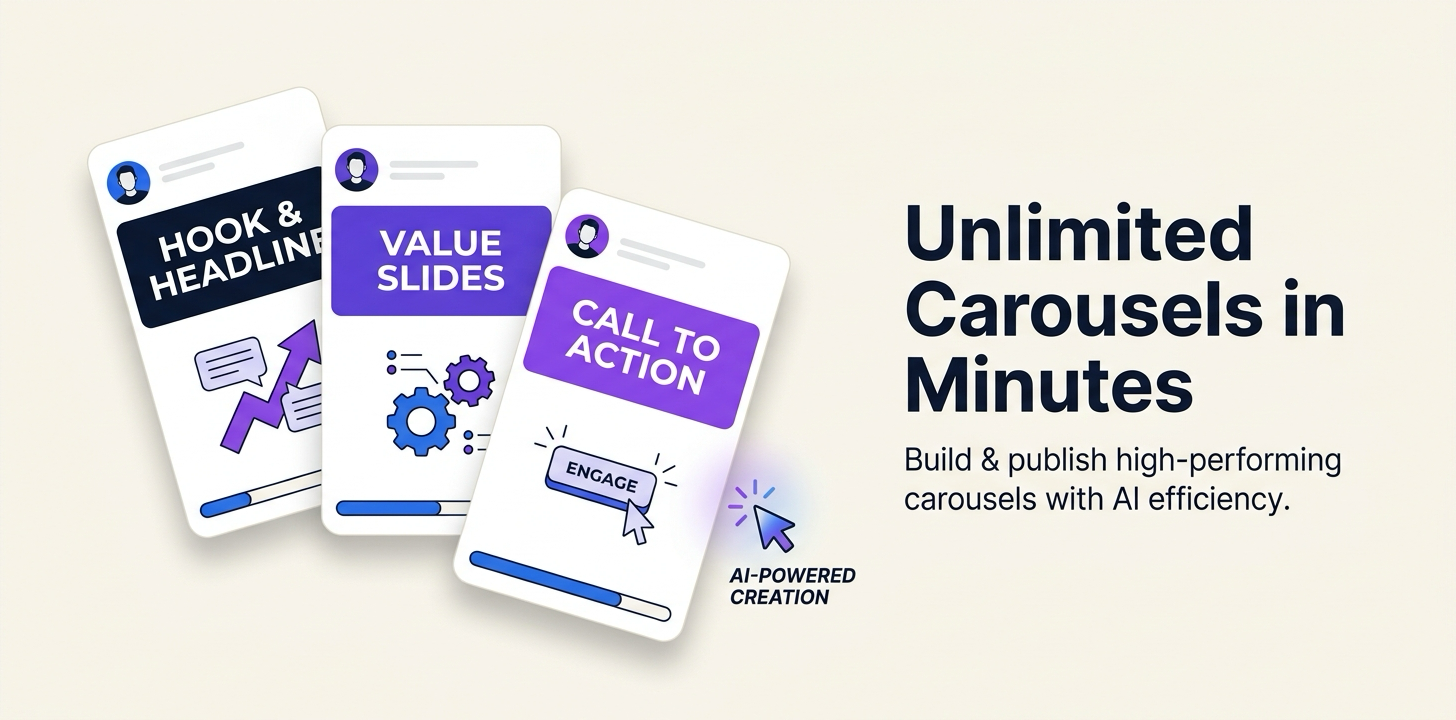
What the Carousel Engine is
It's not an app and it's not a SaaS. It's a folder. Inside: a CLAUDE.md operating manual that Claude Code loads automatically, a fill-in brand kit, a library of five carousel formats, an example carousel to copy from, and a Playwright export script. The whole thing is 32 KB of plain text.
The reason a folder works better than a tool: Claude Code reads the operating manual and becomes the tool. You never learn an interface. You talk to it. It knows where your brand files live, which format fits a given script, how each slide should be structured, and how to run the export. When something breaks, you ask Claude inside the folder and it fixes it, because it can see every file.
I built it after watching myself rebuild the same slide layouts by hand for the fourth time. The layouts were fine. The problem was that nothing remembered them. This folder is the memory.
Quick start: unzip, open, type start
- Unzip the folder onto your Desktop.
- Open it in Claude Code. No editor yet? Install VS Code, add Claude Code, then File › Open Folder… and pick the Carousel Engine folder.
- In Claude Code, type
start.
That single word launches a guided wizard. It opens a visual overview of the folder in your browser, then walks you through setup one question at a time: your brand colors, fonts, and writing voice (pulled from your website, your files, or a few questions), your headshot and logos, font embedding so exports are pixel-perfect, and finally your first real carousel so you see the whole loop end to end. You answer questions and drop in a couple of files. That's the entire setup, about 5 minutes.
You'll need Python 3 for the export step. Claude helps you install it the first time, so don't sweat it now.
The everyday loop
Setup happens once. After that, the loop is four moves:
- Drop a script, blog post, or transcript into
content/. - Tell Claude: "make a carousel from
content/<your-file>." - It recommends a format, builds the slides in your brand, and you preview in the browser. Iterate per slide: "rework slide 1 only, lead with intrigue, keep the rest."
- Approve, and it exports the PNGs to
output/. Post them.
One detail I care about: the engine never invents imagery. Wherever a real screenshot belongs, it drops a visible [SCREENSHOT: exactly what to capture] placeholder into the slide, so you know precisely what to shoot. Put real captures into captures/ and it embeds those instead.
Get a new build-with-AI guide every week
Weekly playbooks on prompting, agents, and content systems — free.
You're in. First email lands shortly.
The 5 built-in formats
Same brand, a different layout per content type. Claude names the best fit for each script and you confirm or override. Here's each one with its picking rule:
Build Walkthrough
Bold cover with a product screenshot, then one step per slide: short headline, a real screenshot with a callout, one or two lines of body. Tool logos show up when you name them.
Pick this when the content is "here’s how I built / did X."
Tactic Cards
Full-bleed photo cover with an overlaid hook, then numbered tactics with an example card on each slide (a ✗ "don’t" over a ✓ "do"). No screenshots needed; the cards are generated.
Pick this for "say this, not that" advice with clear do/don’t pairs.
Lessons / Story
Dark slides, bottom-anchored "Lesson N" plus a bold statement and a short body. The final slide is a solid-color CTA.
Pick this for personal stories and "X things I learned" lists.
Concept Explainer
Editorial serif cover, then a diagram per slide in your colors: flows, strips, Venns, bars. Calm and authoritative.
Pick this to define a framework or explain data.
Before / After
An "X vs Y" cover, then split columns per slide (before muted, after in your accent) with image slots and a short italic annotation under each side.
Pick this for "the bad way vs the good way."
The library also grows. Screenshot a carousel you admire, run the built-in extraction prompt, and Claude reverse-engineers its layout, typography, color logic, and copy pattern into a sixth format you can call by name. Structure only, never the copy or the brand.
The two prompts you'll actually use
Every prompt in the engine ships as a file in prompts/, so you never have to remember them. But these two do most of the work, and they're worth reading before you download. Both are reproduced verbatim from the zip.
The everyday prompt (prompts/2-generate-carousel.md)
Once your brand is set up, this is the one you reach for every time. It makes Claude name the best-fit format first (you confirm or override), give you a per-slide breakdown, build the HTML, and export when you approve.
Make a carousel from the content below (or from `content/<file>.md`, a URL, or a Google Doc link).

First, tell me which FORMAT from the library fits best and why (one line) — I'll confirm or
override. If I post under more than one persona, pick the headshot/voice that fits. Then give me a
one-line-per-slide breakdown and build the self-contained HTML in `carousels/`. Put a
`[SCREENSHOT: …]` placeholder wherever a real screen or photo is needed (or embed anything I've
put in `captures/`). When I approve, export the PNGs to `output/`.

CONTENT:
[paste your script / blog post / transcript here — or name a file in content/]
Extract your brand from your website (prompts/1-extract-brand-from-website.md)
The fastest of the three setup paths. Point the engine at a site you already have and it pulls your colors, fonts, and voice into the brand files, then shows you what it found before saving anything.
Here's my website: [FILL IN your URL]

Read across the main pages and extract my brand into this engine. Specifically:
1. COLORS — the real hex values: my main/accent color, my text color, my background,
   and a muted/secondary. Show me the swatches.
2. FONTS — the heading font and the body font (and a serif/accent font if the site uses one).
3. VOICE — how I write: tone, sentence length, words and phrases I lean on, and anything I
   clearly avoid. Pull 3–4 real example phrases from the site.

Then write the results into:
  - brand/brand-kit.css  (set --accent, --ink, --bg, --muted, --sans, --serif; flip the
    "brand status" line to CUSTOMIZED)
  - brand/brand-guidelines.md  (replace every [FILL IN] with my real values + voice rules)

Show me what you found before saving, and let me correct anything.
How the export works
Each carousel Claude builds is one self-contained HTML file where every slide is a 432×540 CSS canvas. The export script, export/export_carousel.py, launches headless Chromium via Playwright and screenshots each .slide element at exactly 2.5× scale. Out come slide_01.png through slide_0N.png at 1080×1350, Instagram's 4:5, in output/.
Screenshotting the element (not the page) is what makes it pixel-perfect: no clipping math, no font swap, no off-by-one borders. Preview chrome like nav dots and arrows is tagged no-export and hidden automatically, while the progress bar and swipe arrow stay in, because those belong in the posted image.
Make it yours (it's a template, not my brand)
Out of the box, the engine renders in neutral placeholder values: indigo #4F46E5 accent, Inter for type. That's deliberate. The brand kit is one small CSS file of design tokens, and every component reads from it, so the moment the wizard writes your colors and fonts in, every format restyles itself at once. Nothing ships pre-branded to me; the first thing start does is replace the defaults with you.
Your voice gets the same treatment. The wizard fills brand/brand-guidelines.md with your tone, your sentence length, the phrases you use, and the ones you avoid, and Claude writes every slide's copy against those rules. The output should read like you wrote it on a good day, not like a template with your logo on it.